



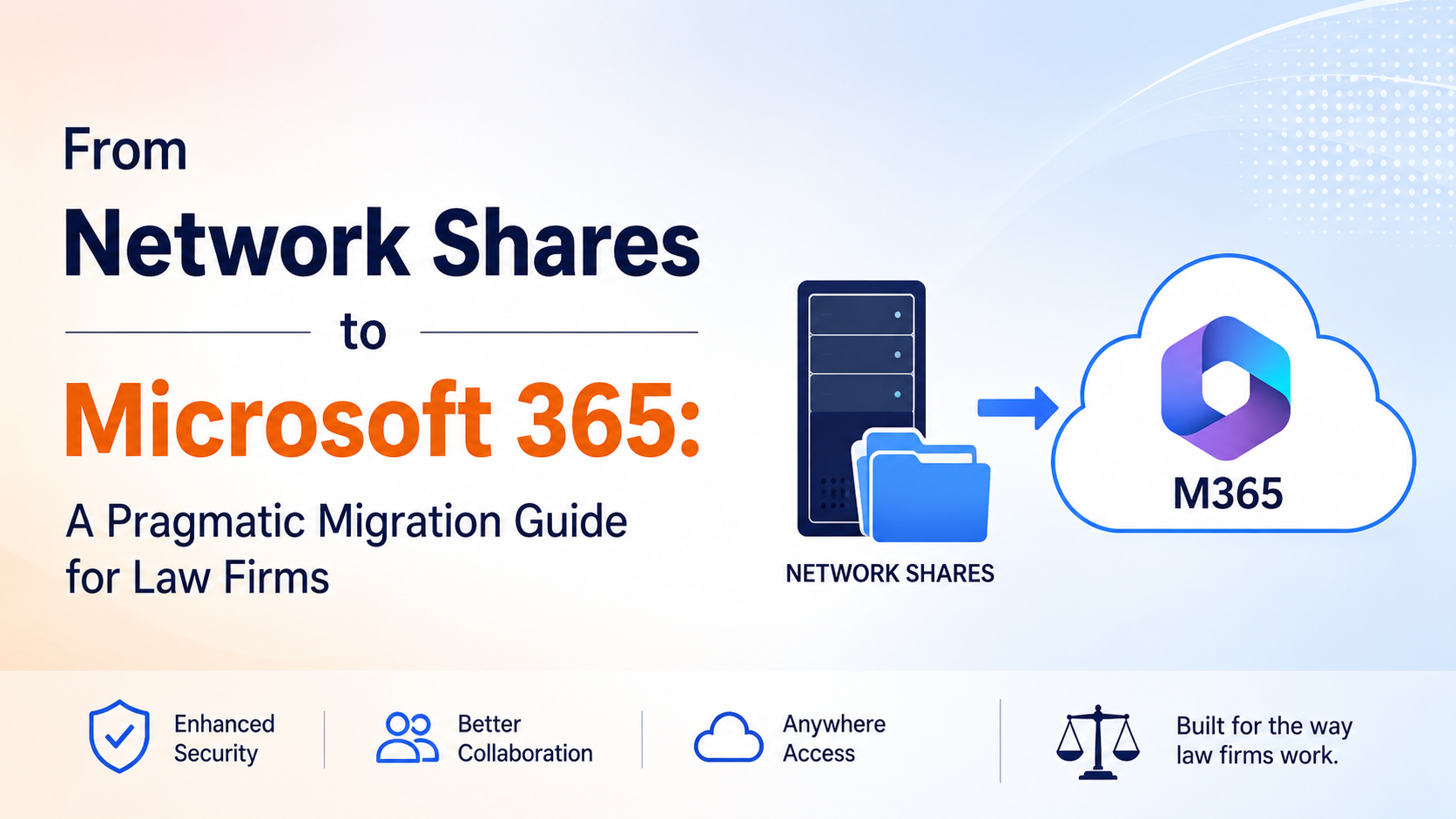
From Network Shares to Microsoft 365: A Pragmatic Migration Guide for Law Firms
From Network Shares to Microsoft 365: A Pragmatic Migration Guide for Law Firms
A phased, sync-enabled transition — where governance stays intact, users stay productive, and iManage remains the system of record throughout.
"How long would it take to move off our network shares?"
There is a particular kind of quiet dread that settles over a law firm's IT director when someone asks, "How long would it take to move off our network shares?" The honest answer is rarely comfortable. Years of matter folders, client documents, legacy naming conventions, and institutional muscle memory are buried in those drives. Moving it all feels like defusing a bomb while the firm keeps billing.
And yet, staying put is no longer a neutral choice.
Network file shares — the on-premises drives that have anchored law firm document storage for decades — are increasingly a liability. They lack the collaboration features attorneys now expect. They create security blind spots as workforces go hybrid. They resist integration with the AI-powered tools that are reshaping legal work. The question for most firms is no longer whether to migrate, but how to do it without triggering chaos.
The answer is not a big-bang migration. It is a structured, phased, sync-enabled transition — one where governance stays intact, users stay productive, and iManage remains the system of record throughout.
Network File Shares
Sync
Microsoft 365
Why Big-Bang Migrations Fail Law Firms
The instinct to "just move everything at once" is understandable. It feels decisive. It promises a clean break. In practice, it consistently underdelivers.
Law firms cannot freeze operations for a migration weekend. Active matters cannot be touched mid-deal. Client confidentiality obligations mean that a mislabeled folder or a broken permission is not just an IT incident, it is a professional responsibility issue. And the sheer volume of unstructured content on a typical firm's network shares often spanning 10, 15, or 20 years makes bulk migration a high-risk operation with unpredictable outcomes.
The firms that have attempted big-bang migrations will tell you the same things: the metadata didn't carry over cleanly, the folder structure arrived scrambled, users couldn't find anything, and IT spent months in cleanup mode while the business suffered.
What Goes Wrong
The firms that have attempted big-bang migrations will tell you the same things.
Why It Works
Bidirectional sync creates a live bridge between the old world and the new — users adopt at their own pace.
The Case for Phased, Sync-Enabled Migration
A phased migration treats the move to Microsoft 365 not as a single event, but as an ongoing operational transition. Content moves in deliberate waves by practice group, by matter status, by age of files — while the firm continues to function normally throughout.
The key enabler of this approach is bidirectional synchronization. Rather than cutting users off from their familiar network share environment overnight, sync technology creates a live bridge between the old world and the new. Files appear in both places. Edits made on either side propagate back. Users can adopt Microsoft 365 at their own pace while IT progressively decommissions network share infrastructure behind the scenes.
This is not a workaround. It is a governance-first migration strategy.
A Practical Migration Roadmap
Each phase has a clear output and a clear hand-off. The work in earlier phases is what makes the later phases low-risk.
The first mistake firms make is starting with the technology before understanding the content. Before a single file moves, invest in a structured content audit.
This classification shapes everything that follows. Active matters require a live sync strategy. Closed matters can be migrated in batches with minimal disruption. Orphaned content should be reviewed for retention obligations before any migration begins.
Map your permission structures at this stage too. Who has access to what, and why? Network share permissions are often inconsistent and underdocumented. Migration is the opportunity to clean this up, but only if you go in with eyes open.
Classify your network share content into three buckets:
Active Matters
Files being worked on now — require careful handling and user continuity. Live sync strategy.
Closed Matters
Completed work — archived accessibly but not day-to-day. Migrate in batches with minimal disruption.
Orphaned Content
Files with no clear owner, outdated versions, no ongoing relevance. Review for retention before any move.
Before content moves, the destination needs to be ready. This means making deliberate decisions about how your Microsoft 365 environment will be structured — not just replicating your network share folder hierarchy in SharePoint.
For law firms, the natural organizing unit is the matter workspace. Each active matter should map to a structured destination: a SharePoint document library, a Teams channel, or a combination of both, depending on whether the matter involves internal-only work or client-facing collaboration.
Define your metadata taxonomy at this stage. One of the key advantages of moving to Microsoft 365, especially when paired with iManage, is the ability to carry rich metadata: client ID, matter number, document type, practice group. This metadata powers search, automation, and AI tools down the line. Don't arrive at your destination without it.
Establish governance policies before migration begins: retention labels, sensitivity labels, access controls, and audit logging. These are not afterthoughts. They are the foundation.
Closed matters are the lowest-risk migration candidates and the highest-volume opportunity. There are no active users touching these files. There are no in-flight edits to worry about. A well-structured batch migration of closed matter content can move significant volume with minimal operational impact.
This phase also gives your team real migration experience before the stakes are highest. You will discover issues with file naming conventions, folder depth limits, permission inheritance, and metadata mapping — and you want to discover them here, not during a migration of active matters.
Archive closed matter content to SharePoint with appropriate retention policies applied. Make it searchable. Make it accessible to those who need it. Then begin the work of retiring the network share paths that housed it.
Active matters are where sync-based migration earns its keep. Rather than forcing a hard cutover where attorneys arrive on Monday morning to find their familiar network share replaced by an unfamiliar SharePoint library, a sync bridge keeps both environments live simultaneously. Files changed on the network share sync to SharePoint. Files edited in SharePoint sync back. Users who have adopted Microsoft 365 work there. Users who haven't yet can continue working where they are comfortable, without creating divergent versions.
This is not a permanent state. It is a transition period typically measured in weeks for a practice group, not months. But it removes the forcing function of a hard cutover and replaces it with a managed adoption curve. IT can monitor which users have migrated their behavior to Microsoft 365 and sunset the network share paths practice group by practice group, matter by matter, as adoption becomes evident.
Critically, iManage remains the system of record throughout this phase. Documents edited anywhere — network share, SharePoint, Teams — sync back to iManage with full version history, audit trails, and DocID retention intact. The governance chain is unbroken.
Migration is not complete when the last file has moved. It is complete when the network share infrastructure has been decommissioned cleanly and the firm can verify that nothing was lost.
Validation should include a reconciliation check: every file that existed on the network share should be accounted for in its Microsoft 365 destination, with metadata intact and permissions correctly applied. Spot-check access controls against your pre-migration audit. Confirm that audit trails in iManage reflect the migration activity.
Only then should network share paths be retired. Keep read-only snapshots in cold storage for a defined period — typically aligned with your retention policy — before final deletion. This is the professional responsibility.
The Governance Imperative
Throughout every phase of this migration, governance cannot be an afterthought.
Law firms operate under obligations that most organizations do not. Attorney-client privilege, work product protection, regulatory retention requirements, and conflict-of-interest rules all have implications for how documents are stored, accessed, and moved. A migration that treats these as IT considerations rather than legal obligations is a migration that creates risk.
The practical implication: every stage of the migration should be designed with the assumption that someone will one day ask, "Where was this document, who had access to it, and when was it moved?" The answer should be available.
Modern Microsoft 365 environments, when properly configured, are capable of meeting these requirements. The migration process itself, however, is where governance most often breaks down. The firms that navigate this well treat governance architecture as a prerequisite, not a cleanup task.
Non-Negotiable Governance Controls
- Audit trails at every step of the migration
- Permission mapping that is documented and defensible
- iManage as the system of record — chain of custody intact
- Retention and sensitivity labels applied before content lands
- Reconciliation check before any path is retired
- Read-only snapshots in cold storage for the retention window
Consider a mid-size litigation firm with 150 attorneys, running network shares that have accumulated 20 years of matter content. A big-bang migration would be both operationally dangerous and professionally irresponsible given the volume and sensitivity of that content.
A phased approach looks different. The firm's closed matters — representing perhaps 70% of total file volume — migrate in structured batches to SharePoint over a 90-day period, with retention labels applied and iManage records updated to reflect new locations. Active matters migrate practice group by practice group, using a sync bridge that keeps both environments live during the transition. Each practice group has a four-week sync period before its network share path is retired. The entire migration completes in under a year. No hard cutovers. No Monday morning surprises. No governance gaps.
This is achievable. Firms are doing it today. The difference between those that do it well and those that struggle is almost always the same: the ones who succeed treat it as a business transformation project with an IT component.
The Path Forward
Network shares served law firms well for a long time. They are not serving them well now. The collaboration tools that attorneys need, the AI capabilities that are becoming competitive necessities, and the security posture that clients increasingly demand — none of these are possible on legacy file share infrastructure.
The good news is that the exit ramp does not require a leap of faith. A phased, sync-enabled migration strategy lets firms move deliberately, govern carefully, and adopt at a pace that respects both operational reality and professional obligation. It is not the fastest path. It is the right one.
How imDocShare Sync Makes This Migration Real?
For law firms ready to move from network shares to Microsoft 365, imDocShare Sync provides the operational backbone that makes a phased migration practical rather than theoretical. The app supports direct synchronization between network file shares and SharePoint, Teams, OneDrive, and iManage meaning firms can establish a live sync bridge during the transition period without forcing users into a hard cutover. Content migrates in structured waves: folders, subfolders, and entire matter hierarchies move with their metadata, permissions, and version histories intact. iManage remains the system of record throughout, with DocID retention and full audit trails preserved across every sync event. Firms that have attempted migrations without this kind of infrastructure know the cost; scrambled folder structures, orphaned metadata, permission gaps, and months of cleanup. imDocShare Sync eliminates those failure modes by treating synchronization not as a data transfer tool, but as a governance-aware migration layer that keeps both environments coherent until the moment the network share is ready to be retired for good.