



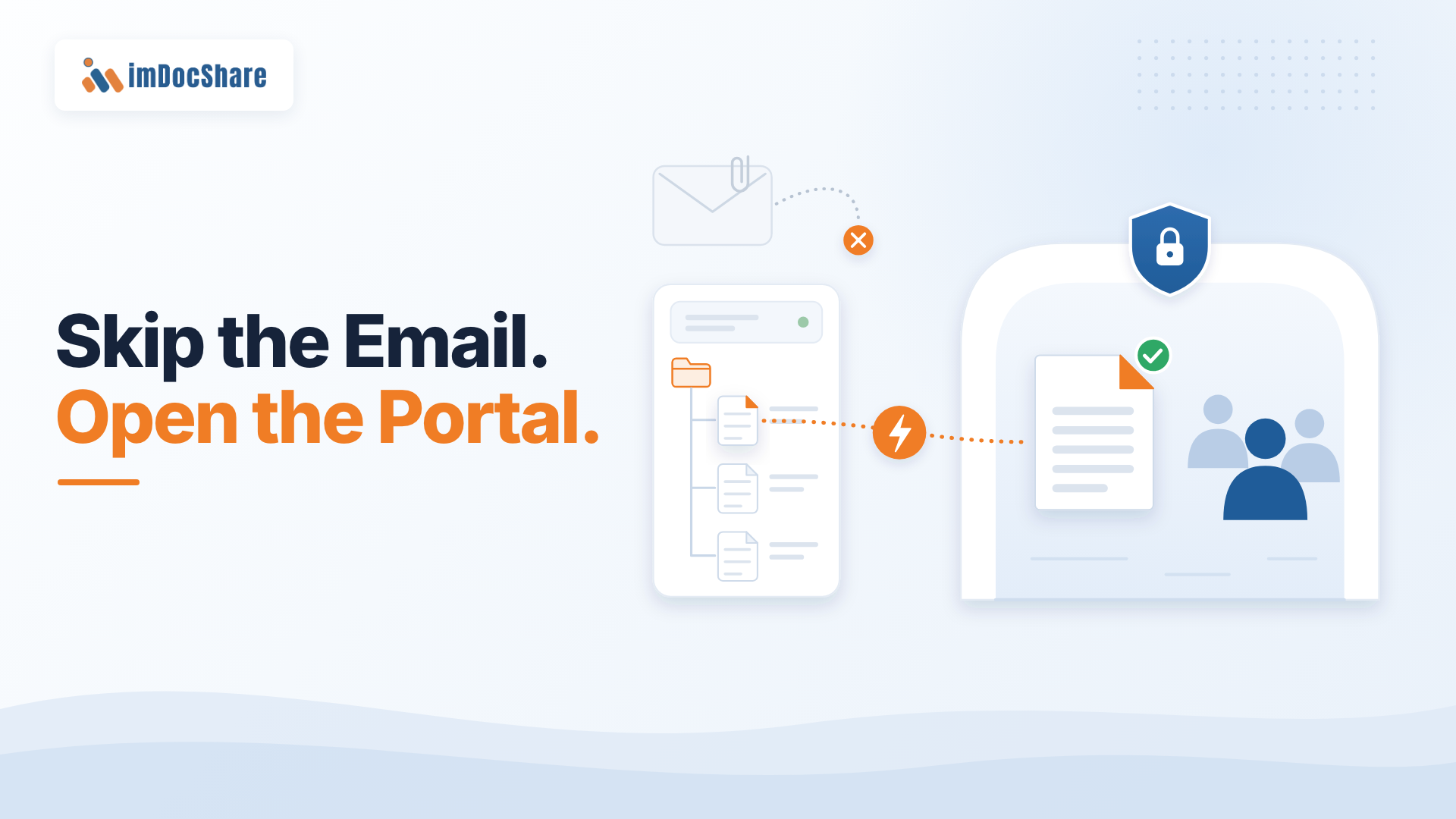
Secure Client Portal for Law Firms: Share Without Email
It is 11:40 pm. A general counsel needs the latest draft of a share purchase agreement before a board call.
The partner sends a 38 MB zip file.
It bounces.
Three smaller emails follow. One goes to the wrong person with a similar name. By morning, several versions are circulating, and nobody is sure which one is final.
This is not unusual. For many law firms, email is still the default way to share documents with clients.
The problem is that email was designed for messages, not for managing sensitive matter files.
Why Email Is Still a Problem for Law Firms
Email makes sharing a document easy. Managing that document after it is sent is much harder.
A few common problems:
Version of confusion: Every attachment creates another copy of a document.
Limited control: Once a file is sent, the firm has limited control over where it goes.
File-size limits: Large files often require multiple emails or alternative sharing tools.
Security risks: Sensitive documents can be misdirected or forwarded.
Poor visibility: It can be difficult to know who accessed a document and when.
More work for lawyers: Teams spend time resending files, answering "which version?" Questions, and managing access manually.
The risks are not just theoretical. IBM's 2026 Cost of a Data Breach Report puts the global average cost of a data breach at $4.99 million. The report also identifies phishing as a leading initial attack vector.
For law firms, where documents can contain highly sensitive financial, legal, and business information, the way files are shared matters.
What Clients Now Expect from Their Law Firm
Clients increasingly expect the same level of digital experience from their law firms that they get from other professional services providers.
That means being able to:
Find the latest documents easily
Access files securely from anywhere
Know who has access
Share documents with the right people
Avoid long email chains
Work from one trusted location
Research from Integris found that technology sophistication can affect client confidence in a law firm, while its earlier research found that many clients prefer secure portals for document sharing.
The bigger point is simple:
Secure file sharing is becoming part of the client experience.
A client should not have to search through an inbox to find the latest version of an important legal document.
What Is a Secure Client Portal for a Law Firm?
A secure client portal is a private online space where a law firm can share matter-related documents with its clients.
Think of it as a secure meeting room for each client or matter.
Your firm's document management system remains in the place where lawyers work and store the official files.
The client portal is the controlled space where selected files are made available to the client.
The client sees only what the firm chooses to share.
This creates a much simpler experience:
Lawyer works on the document → document is approved → client sees the latest version in the portal.
There is no need to attach the document to an email every time.
The Real Problem: Setting Up a Portal for Every Matter
If secure portals are so useful, why aren't more law firms using them for every matter?
Often, the problem is not the portal itself.
It is the setup process.
When a new matter begins, someone may need to:
Create a site for the client.
Set up the right folder.
Configure permissions.
Connect the matter documents.
Add the client's users.
Make sure everything is secure.
If every step requires an IT request, the process quickly becomes a bottleneck.
One matter may be manageable.
But imagine doing it for dozens or hundreds of matters.
The result is predictable: lawyers start looking for faster alternatives. They send attachments. They create ad hoc sharing links. Clients continue working from email.
The firm has a portal system, but the easiest option is still emailing.
The Solution: Make Secure Sharing Automatic
The answer is to remove as much manual setup as possible.
Instead of asking IT to create and configure a portal every time a matter opens, the process can be automated.
Here's what that can look like:
1. A new matter starts
The firm creates the matter in its normal document management system.
This remains the system where lawyers do their everyday work.
2. A client portal is created automatically
The system creates a private client-facing space using the firm's standard layout and branding.
There is no need to start a separate IT request for every matter.
3. The portal connects to the matter documents
The portal is connected to the relevant matter files.
Lawyers continue working with documents in the system they already use.
They do not need to maintain a second copy just for the client.
4. Access follows the firm's permissions
The people who should have access to the matter get the appropriate access to the client-facing space.
When access changes, the portal can reflect that change.
This is important because the portal should not become another system where someone has to manually manage a completely separate list of permissions.
5. The client gets a secure place to work
The client receives access to the portal and can sign in to find the documents the firm has made available.
Instead of asking:
"Can you resend that file?"
The client can go to one place and find the latest approved documents.
What This Changes for the Firm
The biggest benefit is not simply that the firm has a portal.
It is that secure sharing becomes easier than sending an attachment.
That changes behavior.
Lawyers do not have to remember a complicated process every time they need to share a document. IT does not have to manually build every new client space. Clients do not have to manage important documents through email.
The workflow becomes:
Matter opens → portal is created → documents are available → client accesses them securely.
And because the process can be standardized, the same approach can work across many matters.
A firm handling 10 matters does not need the same setup process as a firm handling 1,000 matters. Automation allows the firm to scale secure client collaboration without creating a matching increase in administrative work.
Keep the Portal Simple
A common mistake is trying to build a second document management system for clients.
That creates more work, not less.
A good client portal should answer a few basic questions:
Where are my documents?
Which version is the latest?
Who can access them?
How do I securely upload something?
Where should I go when I need something from the firm?
The simpler the experience, the more likely clients and lawyers are to use it.
The portal should work alongside the firm's existing document management system rather than forcing lawyers to change the way they work.
How to Measure the Business Impact
Law firms do not need dozens of metrics to understand whether secure client portals are working.
Start with three:
1. Setup time per matter
How long does it take to create and configure a client portal?
If the answer is measured in days or requires several IT tickets, there may be an opportunity to automate the process.
2. Attachments sent per matter
Track how many sensitive documents are still being sent as email attachments.
The goal is not necessarily to eliminate email completely. It is to move important matter documents to a more controlled environment.
3. Client adoption
Are clients actually using the portal?
A secure system only delivers value if clients find it easy enough to use.
Mistakes to Avoid
Building a completely separate portal from scratch.
This can be expensive, difficult to maintain, and unnecessary when the firm already has a document management platform.
Creating a second copy of every document.
If lawyers have to manage one set of files internally and another set for clients, version problems can return.
Managing permissions separately.
The more systems that have their own access lists, the easier it is for those lists to become inconsistent.
Making the secure option harder than email.
If lawyers need five steps to share a document securely but one step to attach it to an email, people will naturally choose email.
The goal should be the opposite: make the secure option the easiest option.
FAQs
What is a secure client portal for law firms?
It is a private, access-controlled online space where clients can securely access documents and information related to their matter without relying on email attachments.
Is SharePoint secure enough for client-facing legal work?
SharePoint provides security and external-sharing controls that can support client-facing use cases when they are properly configured and governed. Firms should review their specific security, identity, permission, and compliance requirements before enabling external access.
How can law firms reduce sensitive files sent by email?
The most effective approach is to make secure document sharing easier than email. A portal that is connected to the firm's existing document workflow can give lawyers and clients one place to access the latest approved documents.
Do lawyers need to change how they work?
Ideally, very little. The best approach allows lawyers to continue working in their existing document management environment while clients access selected files through the secure portal.
The Bottom Line
Email is convenient, but it was never designed to be a secure workspace for legal matters.
A secure client portal gives firms a better way to share sensitive documents, manage access, reduce version confusion, and give clients one place to find the information they need.
The key is not simply having a portal.
The key is making the secure path the easiest path.
When a new matter can automatically get its own secure client space, lawyers do not have to wait for IT, clients do not have to search through email, and firms can scale secure collaboration across their matters.
Clients should never have to ask:
"Where is the latest version?"
See how imDocShare gives every new matter its own secure client space, connected to iManage and Microsoft 365.
Book a 30 minute imDocShare demoSources
- IBM, Cost of a Data Breach Report 2026
- IBM India newsroom, 7 August 2025
- Integris, Law Firm Trust in Technology Report 2026
- Integris, Law Firms, Cybersecurity and AI: What Clients Really Think (2025)
- Microsoft Learn, SharePoint external sharing overview